Studio overview
Turn your idea into a tattoo
Start a new design or explore your recent work.
Your next tattoo starts here.
Describe an idea, choose a style, bring it to life.
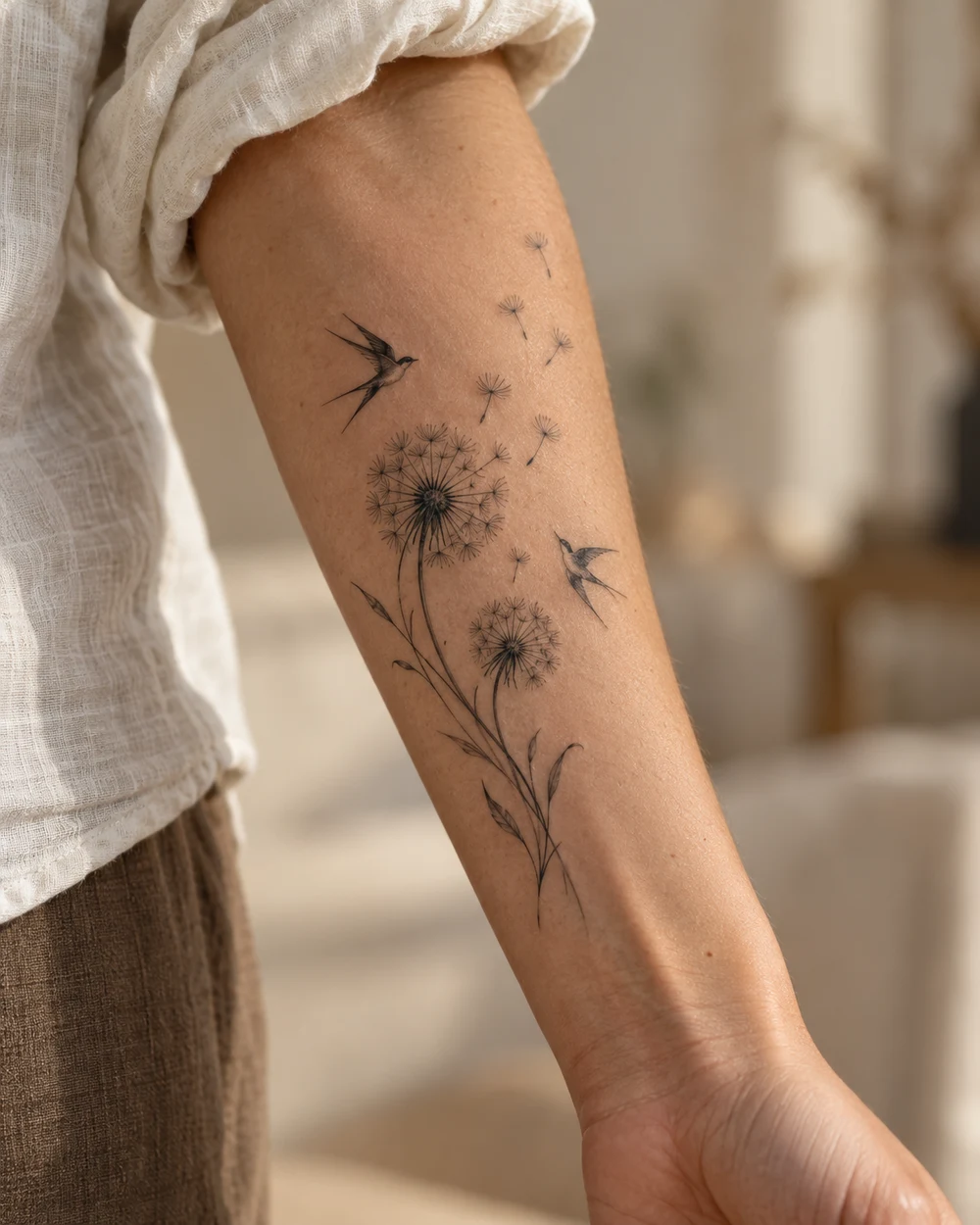
Recent designs
View allLoading your designs…
Another way to start
 AI inspiration examples
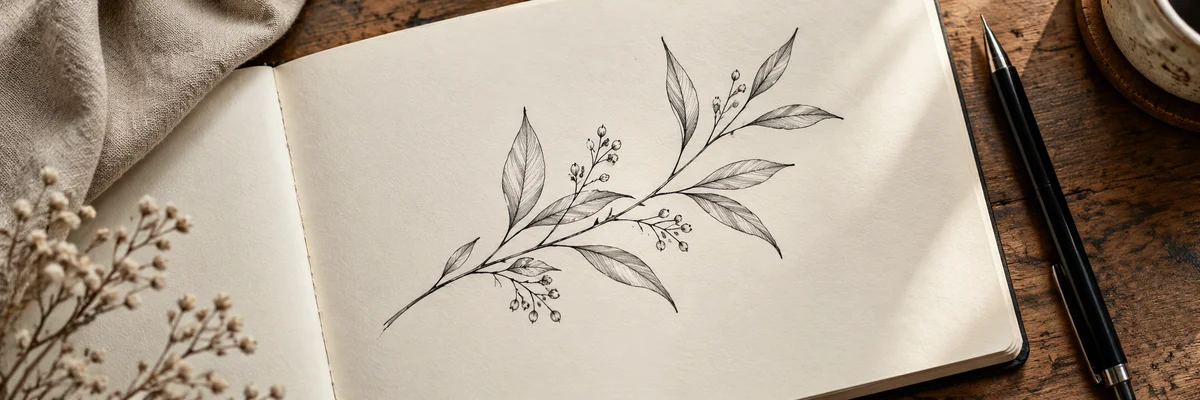 AI inspiration examples
Design tools


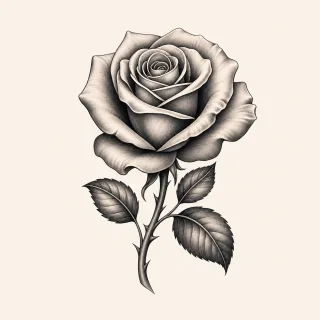
Need an idea? Start here.
AI inspiration examples
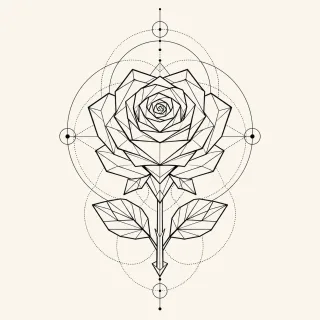


Tattoo Generator: from one idea to your design
Start with an idea or a photo.
Need a direction? Ask the idea assistant · free
Your photo is only used for the conversion and is never stored.
Design preview

Need an idea? Start here.
This session
Start with a photo of your body
Choose a photo and a design to start your preview.
Tattoo try-on
See your design on your skin.
1Photo of the spot
Use a clear photo with even lighting.
2Your design
Choose a body photo and a tattoo design.
Your photo is encrypted in transit and never stored – only the result is saved to your account.
Tattoo fonts
Free with an account. Create a text design and save it in your library.
Tattoo idea generator: find your design
Tell the AI what you have in mind. It helps turn your idea into a concrete design brief. Continue to design, review the settings, and confirm generation.
Tattoo size calculator: which size fits your design?
Enter width and height to get the size class, typical tattooing time, price range, and placements that fit.
Tattoo cost calculator: what will your tattoo cost?
Realistic prices for Germany: pick size, placement, style, and studio level, and the calculator instantly shows you the typical price range.
Tattoo removal: what does laser removal cost?
Enter your tattoo’s size, colors, and age — the calculator estimates the number of laser sessions and the total cost. A rough guide only, not medical advice.
In Germany, laser removal may only be performed by doctors (NiSV). Only a consultation gives you a binding answer.
Inkspira for your iPhone
The AI tattoo designer for ideas on the go: describe your idea, choose a style and placement, and see your design in seconds. Snap a photo with your camera and try your design on that photo.

Point your camera at the code and go straight to the App Store.
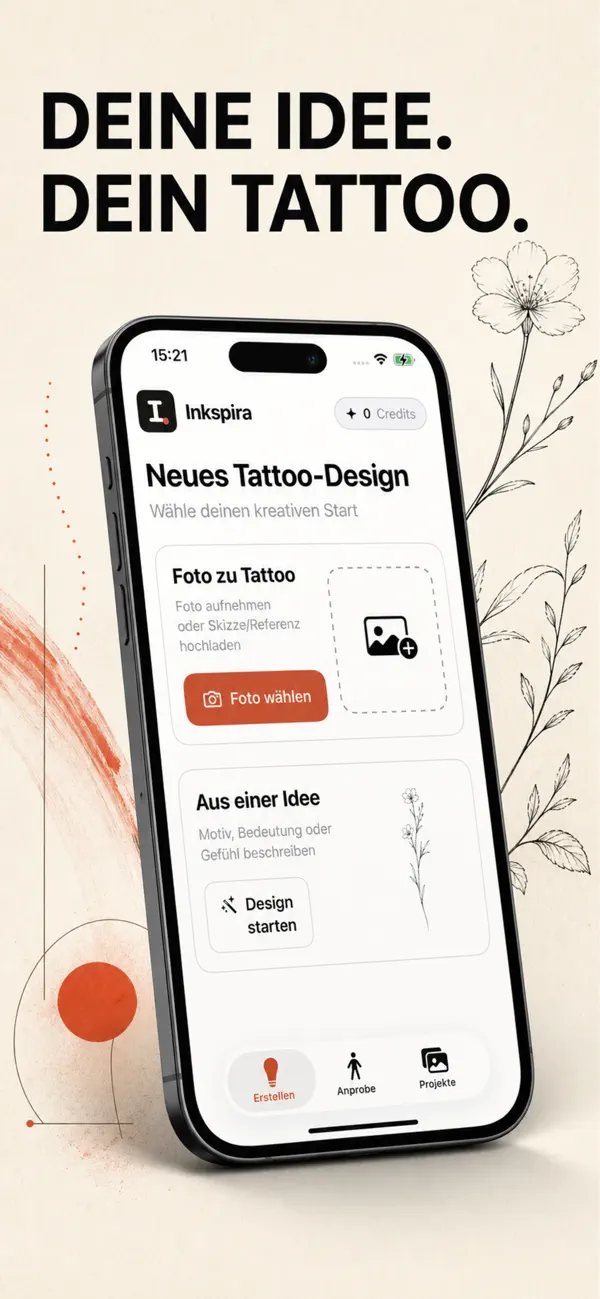
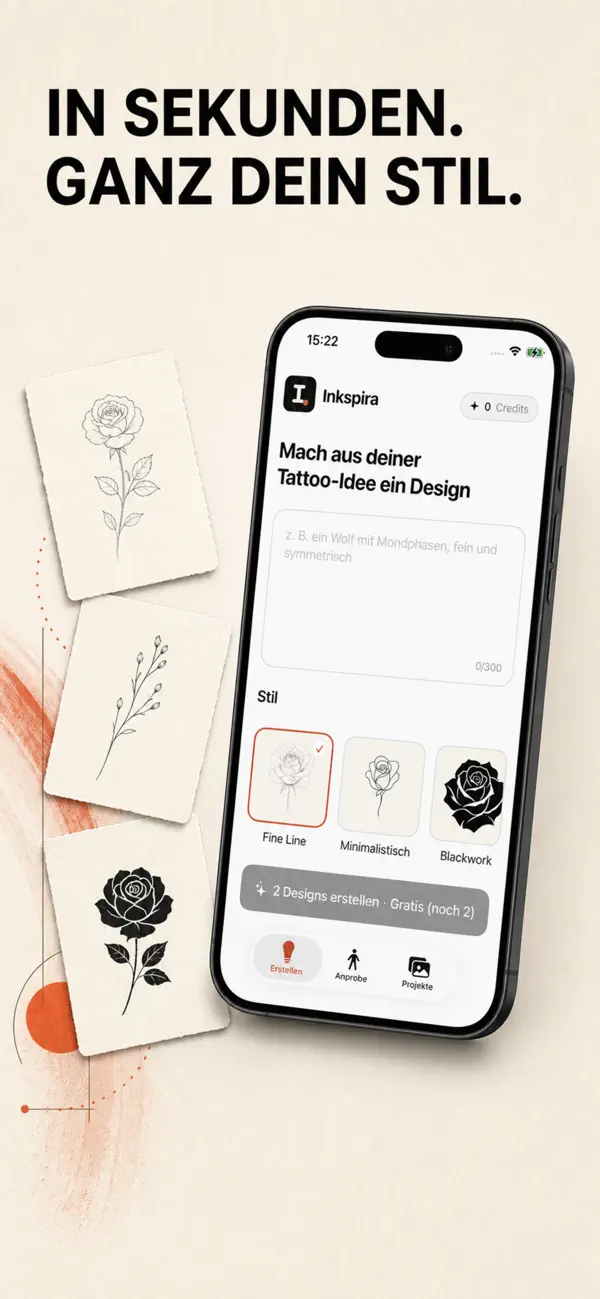
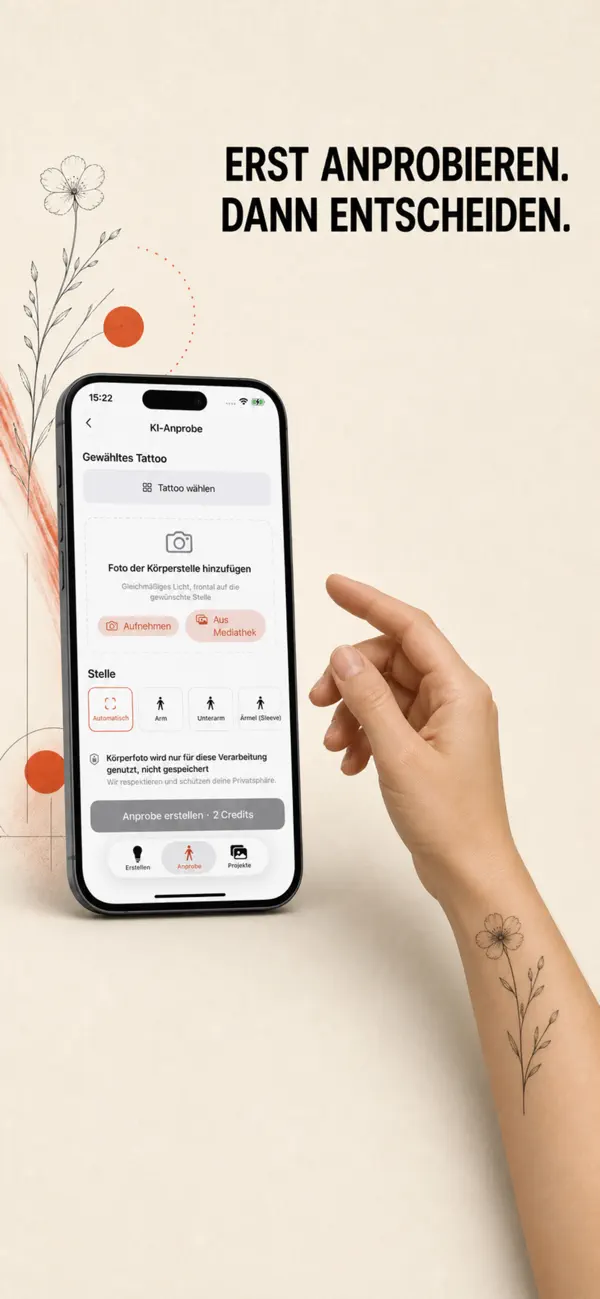
What you can do in the app
From idea to design
Describe what you have in mind, pick one of 20+ styles, and the AI creates your design in seconds. Not sure yet? The idea chat helps you shape your concept.
Try it on your photo
Take a photo of your arm, shoulder, or leg and place your design on it for free. The AI try-on then blends it into the photo for a realistic preview.
Photo to tattoo
Turn a photo or sketch into a clean tattoo design – a reference you can show your artist.
Your designs, always with you
All your drafts live in your projects: edit details, create variants, and download in HD.
Frequently asked questions
How much does the app cost?
Downloading is free. You create designs with credits you buy right in the app – one-time purchases, no subscription.
Is there an Android version?
Not yet. On Android, the Inkspira generator works right in your browser at inkspira.de.
Do I need an account?
Yes – you sign in with your Apple account using Sign in with Apple.
Which iPhones are supported?
Any iPhone running iOS 17 or later.
Ready for your next tattoo?
Get Inkspira on your iPhone and take your ideas wherever you go.
Download on the App StoreImage to linework
Choose a clear motif or illustration. Extracting tattoos from body photos is not supported. The result is a line reference for your tattoo artist to review.
JPG, PNG or WebP, up to 5 MB. Upload and preview are free.
My designs
All your work, synced across devices. Download, remix, try on, or delete.
Loading your designs …