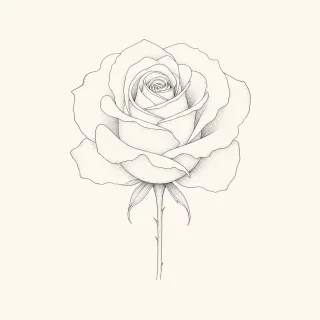
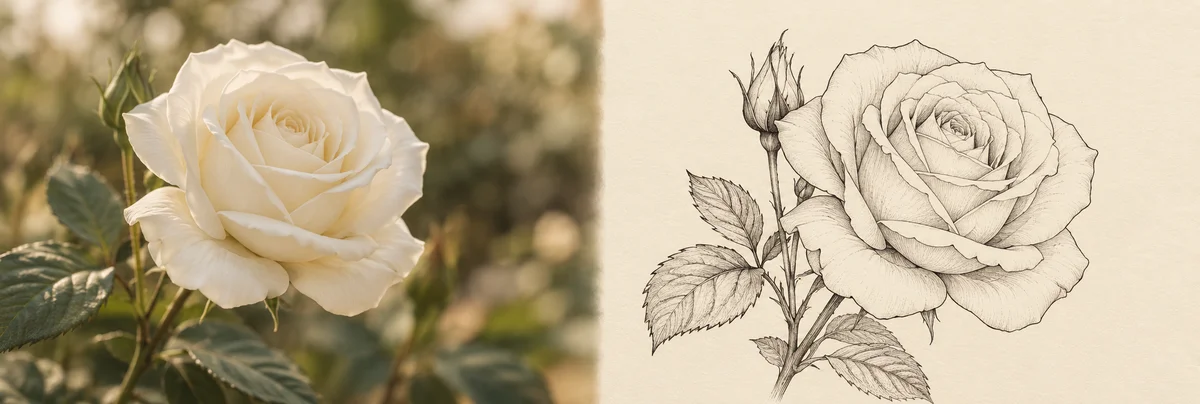
Photo to tattoo: turn your picture into a tattoo design
Your pet, a place that matters, a portrait: upload a photo, pick your style, and the AI turns it into a clean tattoo design in HD, ready to take to your artist.
JPG · PNG · WebP · max. 5 MB
Your photo is sent only for the conversion and never stored – only the finished design shows up under "My designs."
How photo-to-tattoo works
The AI analyzes your photo, strips it down to its essential shapes, and redraws it in the tattoo style you picked – from a delicate fine-line portrait of your dog to an old-school take on your favorite place. You get a clean tattoo template on a white background that you can download in HD, remix, or export as a stencil for your studio.
Frequently asked questions
Which photos work best?
Clear subjects work best: your pet, a portrait, a flower, a building, or an object that means something to you. JPG, PNG, or WebP up to 5 MB.
Is my photo stored?
No. Your photo is only used for the conversion and never stored – only the finished tattoo design is saved to your account.
How much does a conversion cost?
One conversion costs 1 Credit. Credits start at €9.99 for 20 designs – they never expire, and there is no subscription.
Can I use the result for a real tattoo?
Yes. You get the design in HD with no watermark, and you can also export it as a stencil – ready to take to your artist.
Tools for your tattoo design
Related tattoo ideas and guides
Explore motifs, styles and placements for your design.