Design Your Own Tattoo
Designing your own tattoo means making every decision yourself, from the first scribble to the finished template. The design, style, and placement are up to you. This page goes through it step by step: from the idea to the sketch to a print-ready template. And if drawing isn't your thing, the AI designer handles the hands-on part.
You might also like:ready-made tattoo templates as a starting point · tattoo ideas to run with · browse designs by theme
Templates & examples
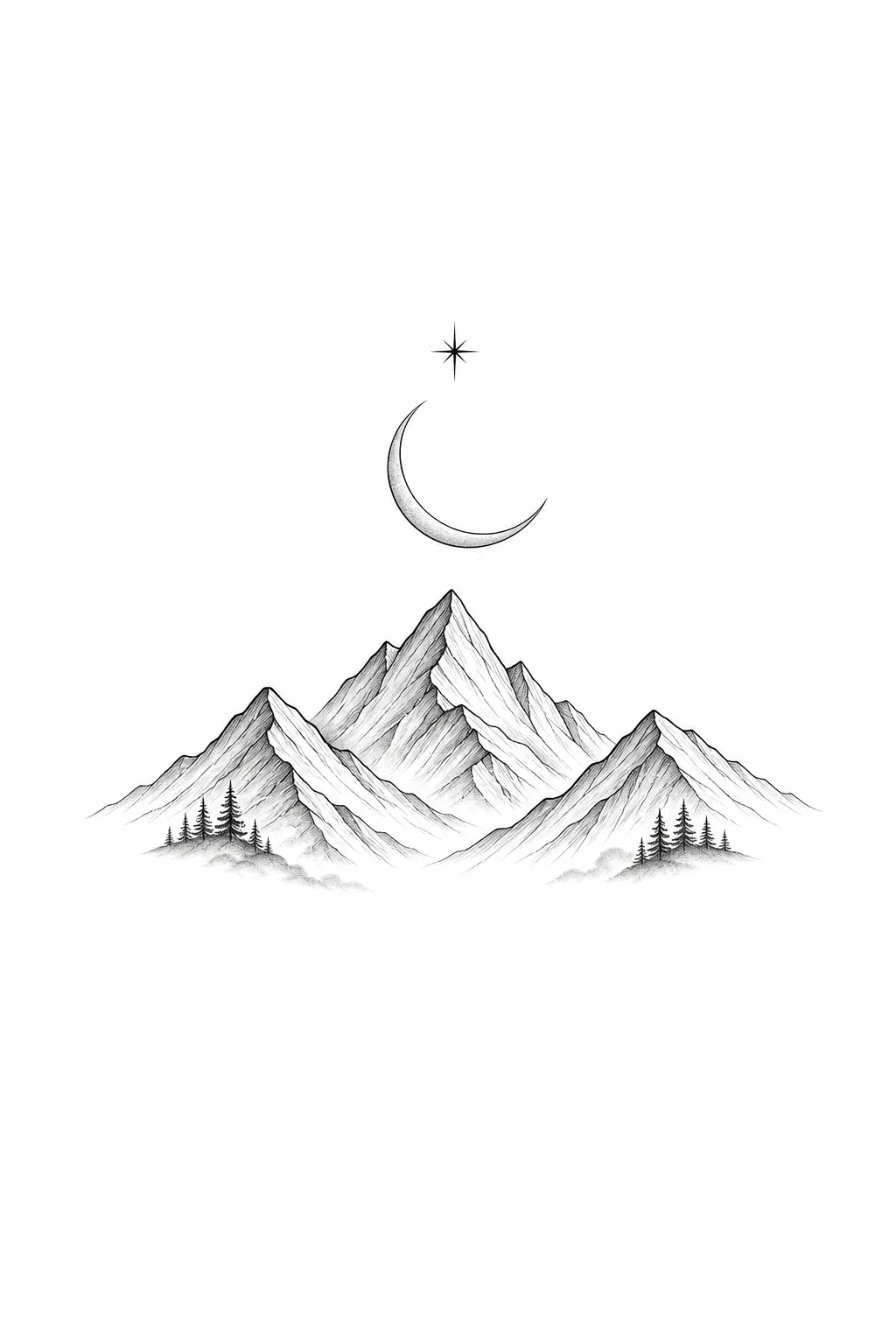
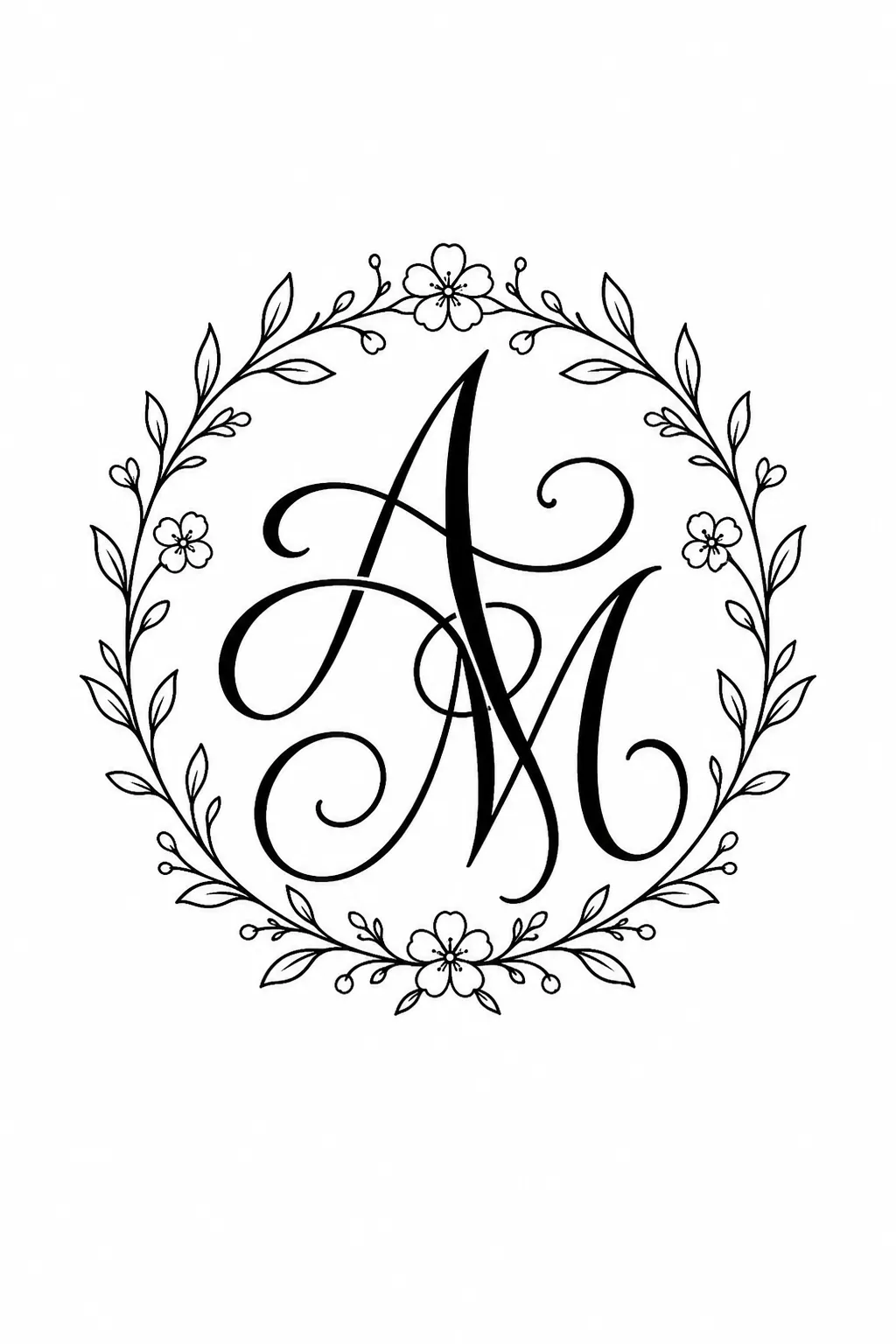
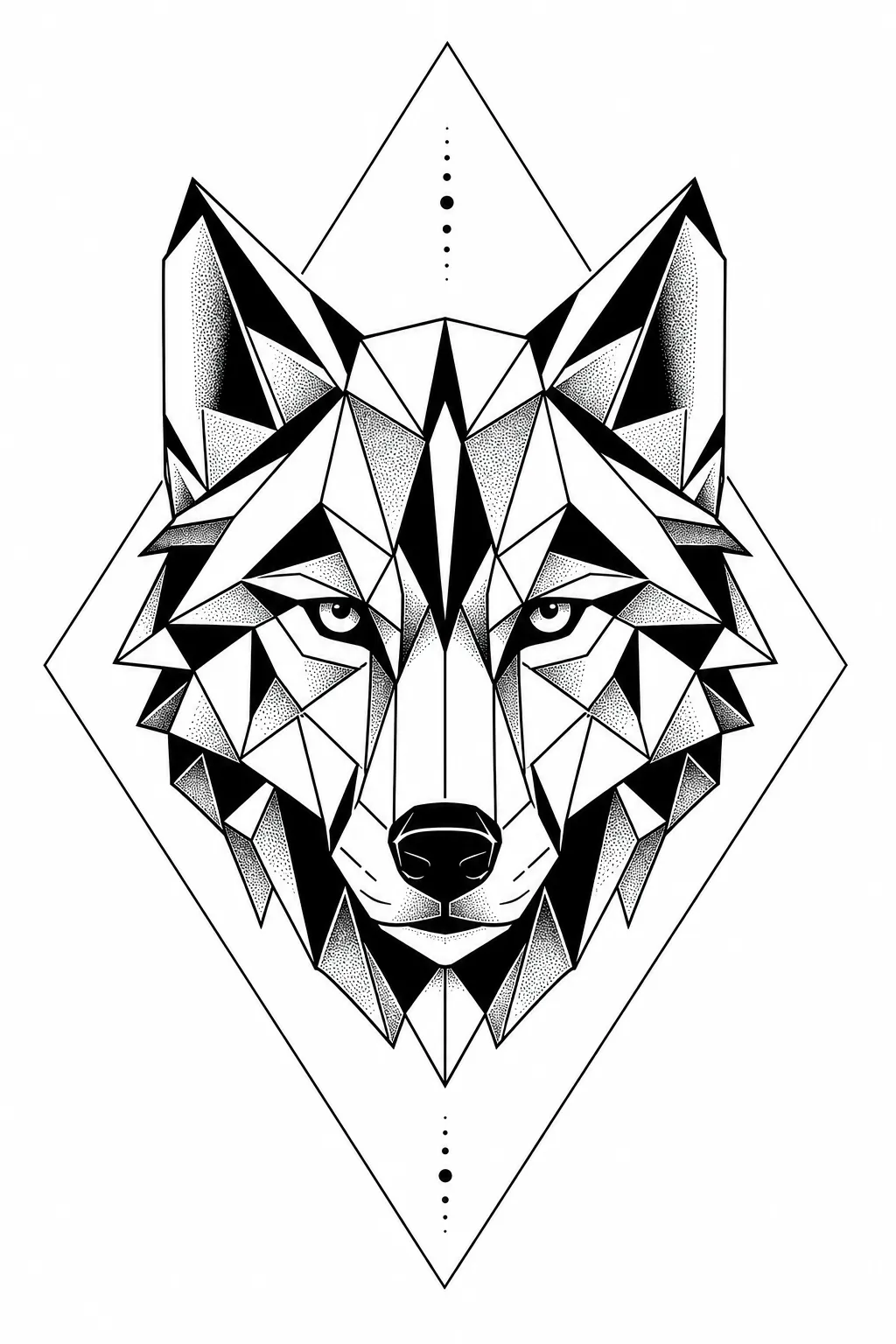
Create your own design
Describe your idea, pick a style – the AI creates one-of-a-kind tattoo designs in seconds.
Create your own tattoo
From idea to your own design
At the start there's rarely a finished picture, more a feeling: a date, a place, a word that should stay. Gather building blocks like these unfiltered at first, on paper, in a notes app, or in an image folder. Only then ask yourself which symbol carries the whole thing. An anchor and a compass tell the same story about arriving in completely different ways, and that very choice is the core of your design.
How can you design your own tattoo?
In practice, most people get furthest in four steps. First: nail down the core design. Second: sketch a rough composition, where the design faces, where the top is. Third: choose the style, so fine lines, bold outline, or watercolor. Fourth: fit the size to the body part. Follow that order and you save yourself expensive redrawing at the tattoo artist later.
Settling on style and linework
The style decides how your design ages. Fine lines read delicate but need more space between the strokes, or they merge after years. Bold outlines and blackwork forgive more and stay legible even small. With watercolor and color gradients, it's worth planning for a regular touch-up in advance.
From draft to print-ready template
A good template is a clean line drawing in black on white, with no shadows and no gray gradients; the tattoo artist adds those. So finalize your sketch with a clear outline and check it at the real target size on screen or printed out. Details too fine to be more than a few millimeters disappear on the skin.
Designing your own tattoo with the AI designer
If you have a clear picture in mind but can't draw, you just describe your design in words and the AI designer delivers several versions in seconds. You adjust the style, level of detail, and arrangement until one version sits right, then take it as a starting point for the conversation at the studio. That way you reach a draft that's truly yours, even without a pencil.
FAQ
Which app do you use to create tattoos?
Instead of a drawing app, an AI tattoo generator in the browser is all you need here: you type your idea in as text and get finished drafts. On inkspira.de it runs right on the site, with no install.
How do you make homemade tattoos?
For a real tattoo you only design the template yourself and have it inked at the studio; self-tattooing is unhygienic and risky. If you want to try it out, use a temporary stick-on or henna design with the same draft.
How do you make tattoo templates?
Pare your design down to clean black lines on a white background, without shadows. Check it at the planned final size, because tiny details disappear on the skin. The tattoo artist then transfers the template as a stencil.
How big is a 300-euro tattoo?
At a typical hourly rate of 100 to 150 euros, that works out to roughly two to three hours of work. As a rough guide: a detailed forearm design or a medium-sized area. The studio always gives you the exact price.
Do I need to be able to draw to design my own tattoo?
No. For the idea, the style, and the placement you don't need any talent. The drawing part is handled either by the AI designer or by the tattoo artist, who turns your draft into a clean line.