Inkspira for your iPhone
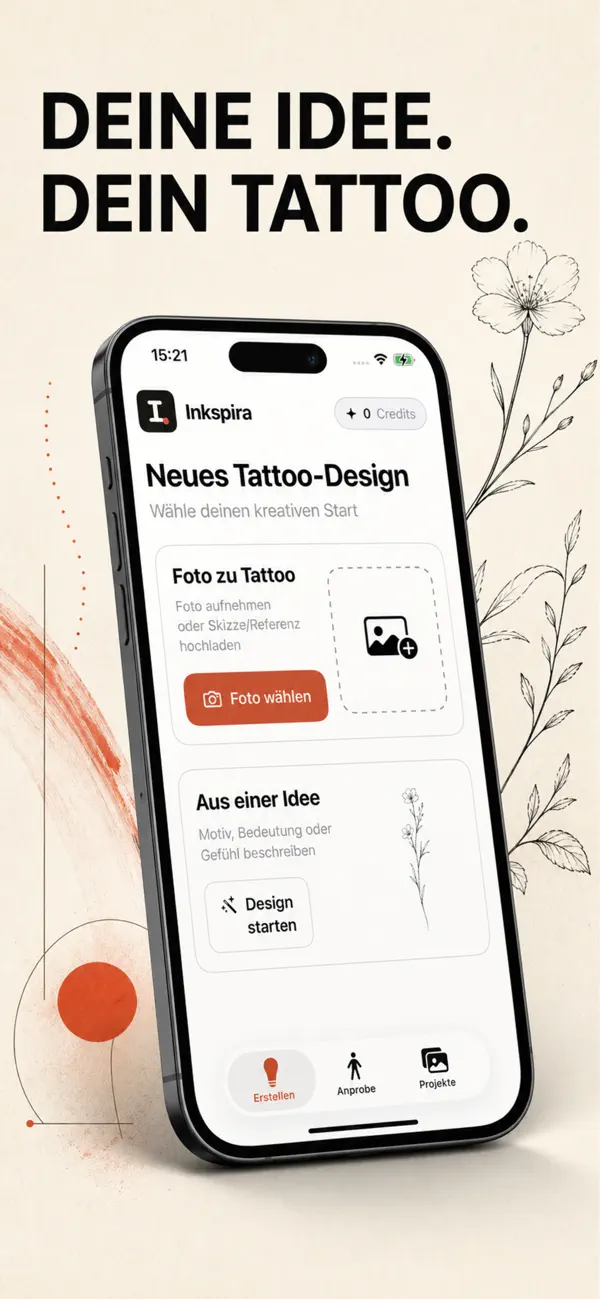
The AI tattoo designer for ideas on the go: describe your idea, choose a style and placement, and see your design in seconds. Snap a photo with your camera and try your design on that photo.

Point your camera at the code and go straight to the App Store.
What you can do in the app
From idea to design
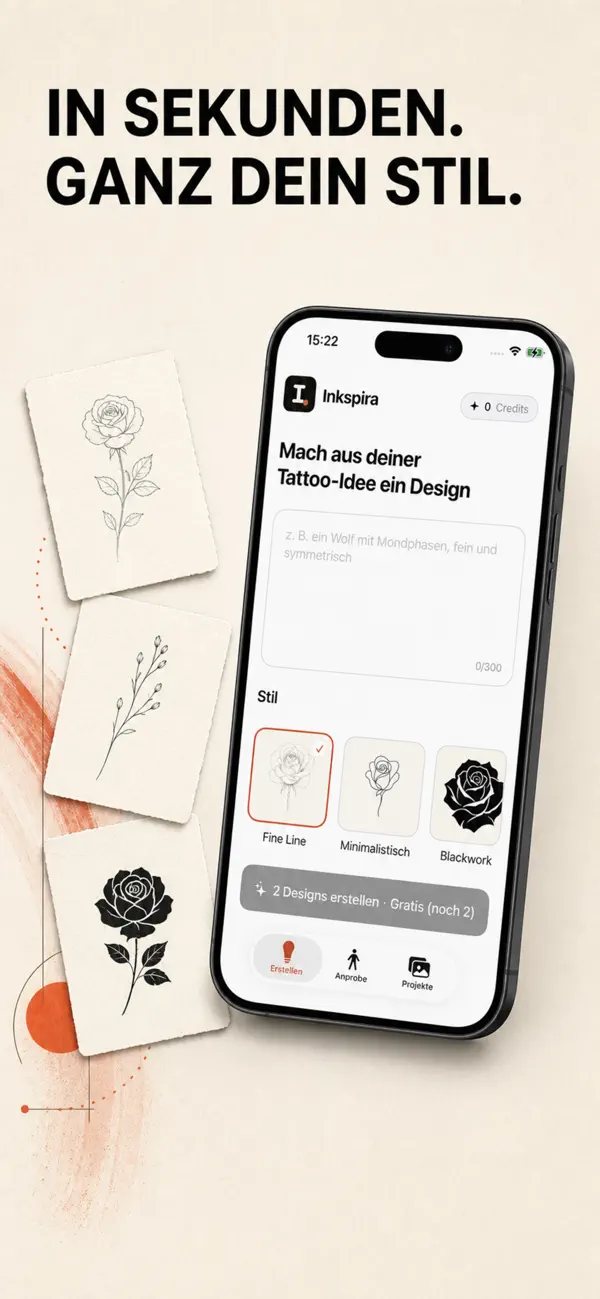
Describe what you have in mind, pick one of 20+ styles, and the AI creates your design in seconds. Not sure yet? The idea chat helps you shape your concept.
Try it on your photo
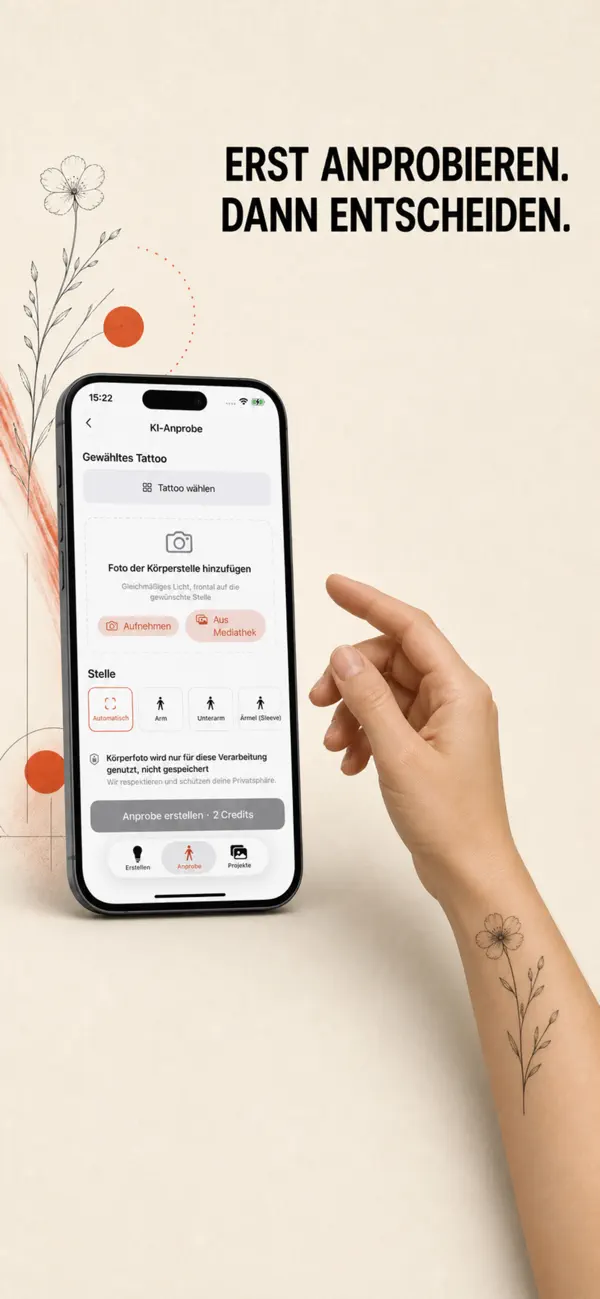
Take a photo of your arm, shoulder, or leg and place your design on it for free. The AI try-on then blends it into the photo for a realistic preview.
Photo to tattoo
Turn a photo or sketch into a clean tattoo design – a reference you can show your artist.
Your designs, always with you
All your drafts live in your projects: edit details, create variants, and download in HD.
Frequently asked questions
How much does the app cost?
Downloading is free. You create designs with credits you buy right in the app – one-time purchases, no subscription.
Is there an Android version?
Not yet. On Android, the Inkspira generator works right in your browser at inkspira.de.
Do I need an account?
Yes – you sign in with your Apple account using Sign in with Apple.
Which iPhones are supported?
Any iPhone running iOS 17 or later.
Ready for your next tattoo?
Get Inkspira on your iPhone and take your ideas wherever you go.
Download on the App Store